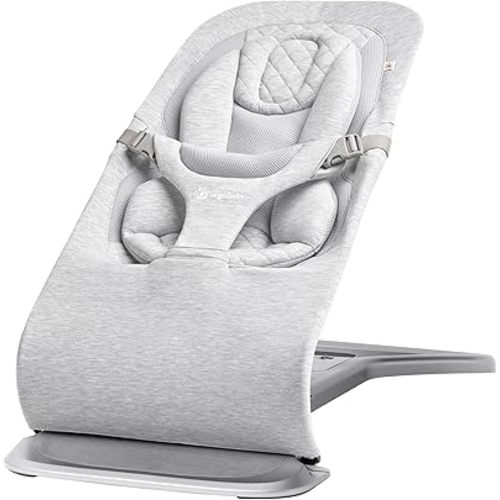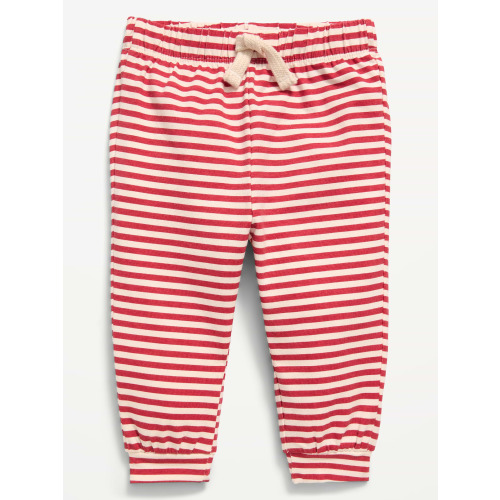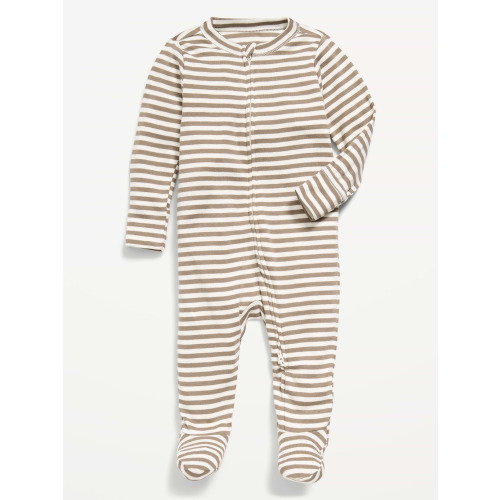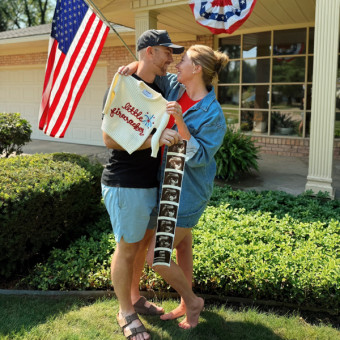
McKenna & Zach’s Baby Registry
We are so excited to welcome our sweet baby boy this December! We feel incredibly grateful for all of the love and support from our family and friends as we prepare for this new adventure. While your love, prayers, and encouragement mean the world to us, we’ve carefully chosen items for our registry that we know we will use to make gift-giving a little easier for anyone who has asked what we need.
Our Babylist registry combines items from several different stores, so everything can be viewed in one place.
How to Purchase a Gift:
1. Browse our Babylist registry and click on an item you’d like to purchase.
2. If the item says “Buy at Amazon,” “Buy at Target,” “Buy at Walmart,” or another store, click that button. It will take you directly to that store’s website.
3. Add the item to your cart and complete your purchase as you normally would.
4. After you’ve finished your purchase, return to our Babylist registry. This is an important step!
5. Find the item you purchased and click “Mark as Purchased.” This lets everyone know the gift has already been bought and helps prevent duplicate gifts.
If you purchase directly through Babylist, your gift will usually be marked as purchased automatically.
If You’re Shopping for Clothes…
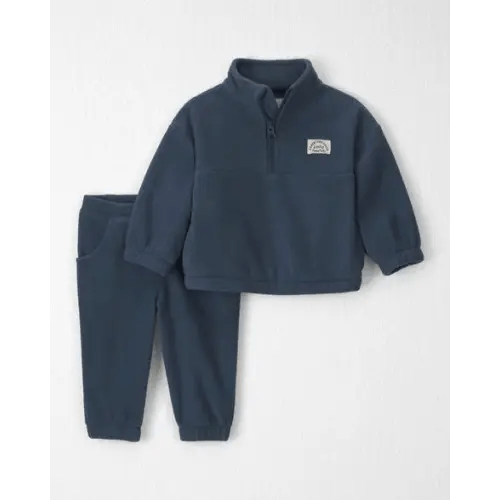
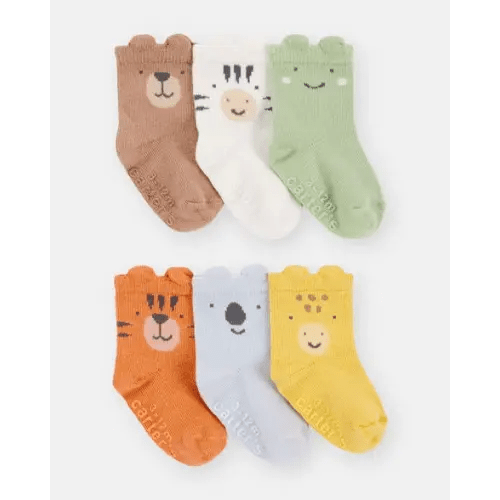
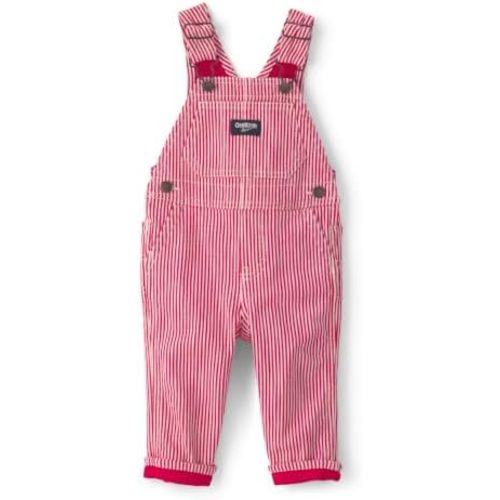
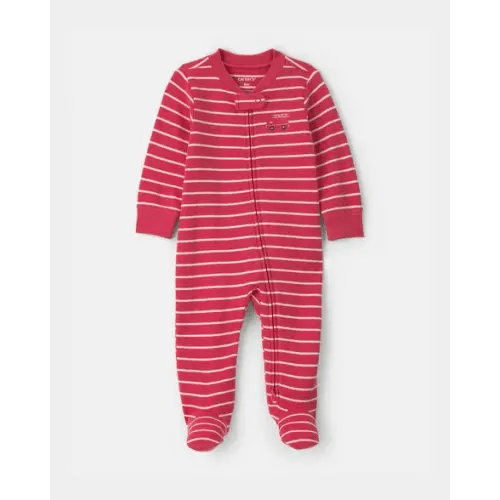
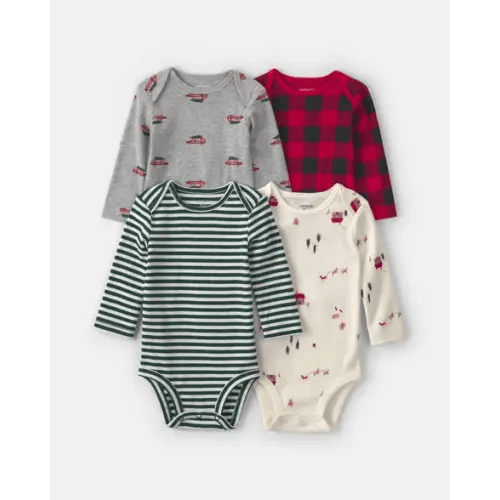
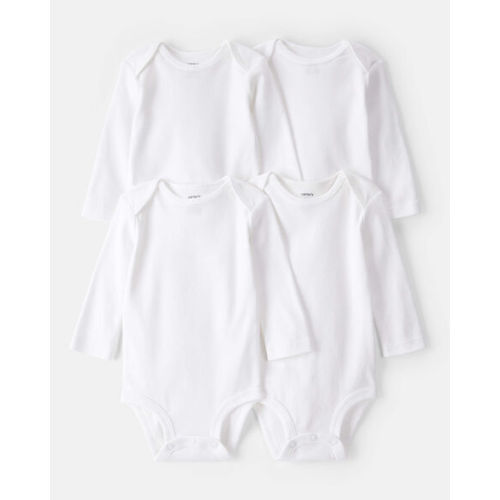
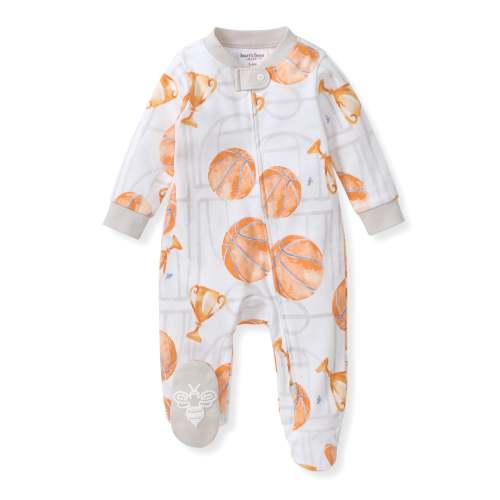
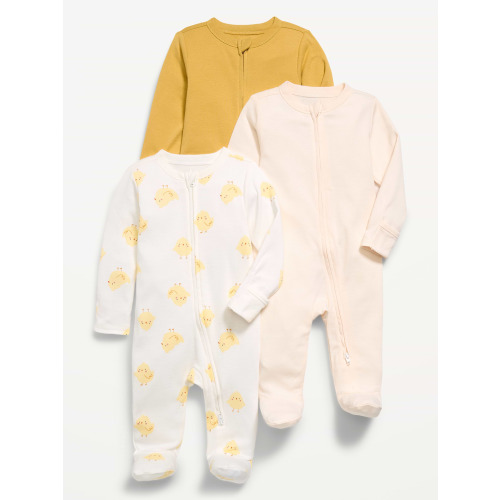
Since our little guy is expected to arrive in late December, here’s a general size guide to help when choosing clothing:
0–3 Months: January–March
3–6 Months: March–June
6–9 Months: June–September
9–12 Months: September–December
If you have any questions or need help placing an order, please don’t hesitate to ask—we’re always happy to help!
Most importantly, thank you for celebrating this special season with us. We truly appreciate your love and generosity, and we can’t wait for you to meet our sweet little boy!Bundled picks made to gift
Made with Babylist Shop items from their registry.
Sleeping
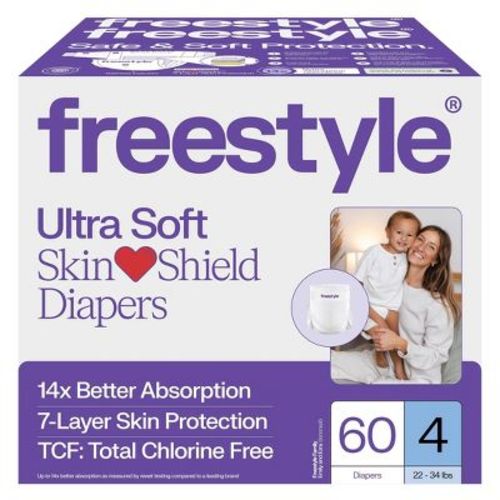
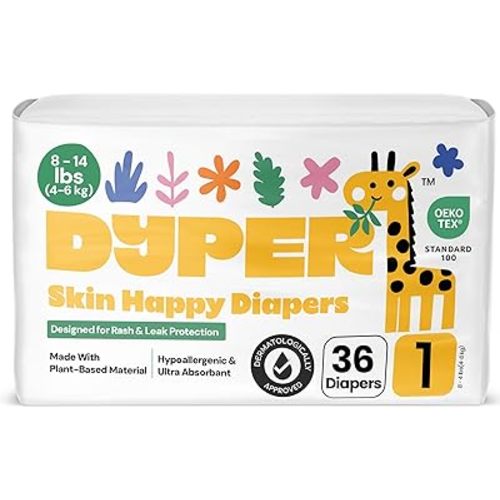
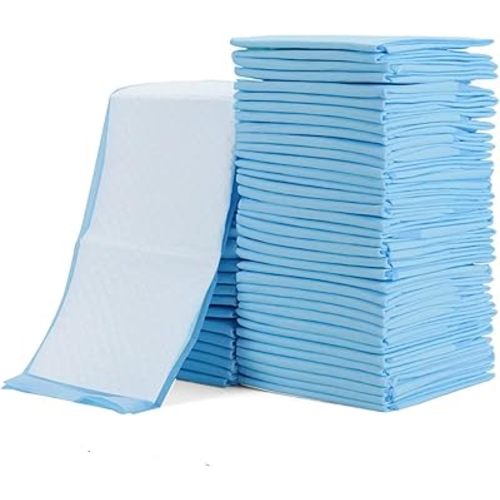
Diapering

Bathing
Feeding
Baby gear
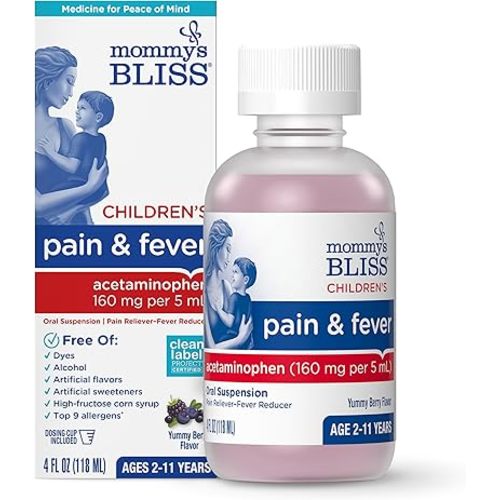
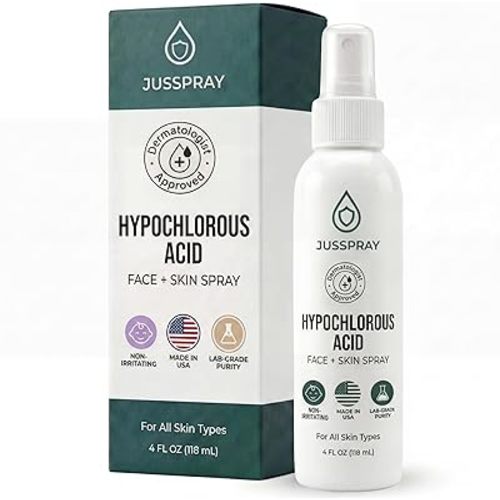
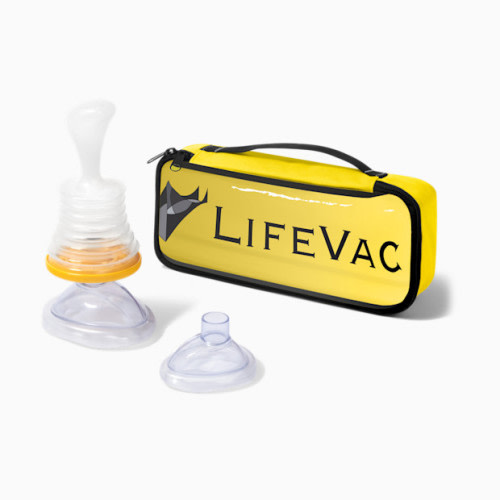
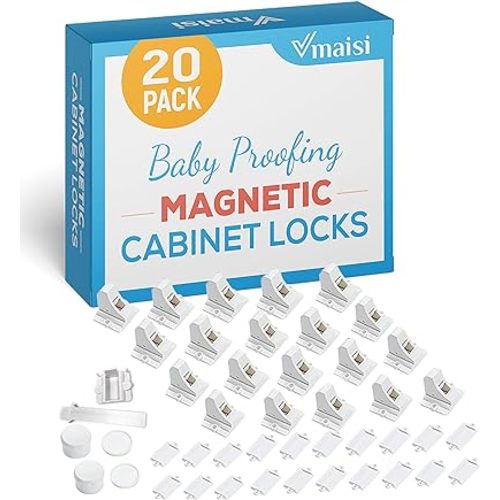
Health & safety
General
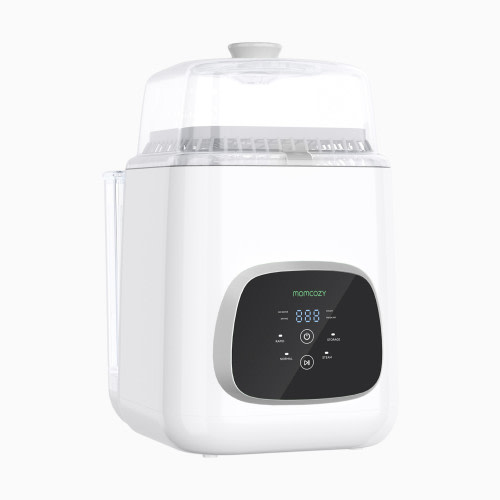
For Mom & Dad
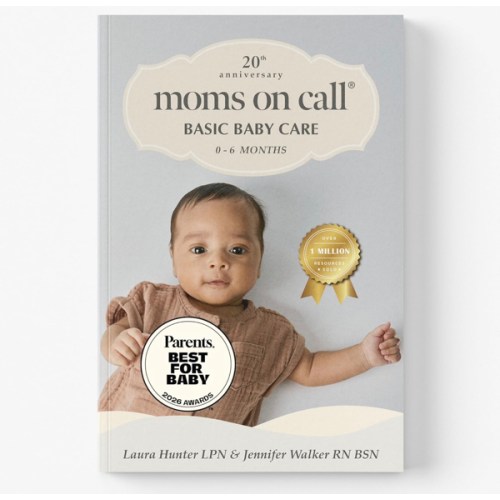
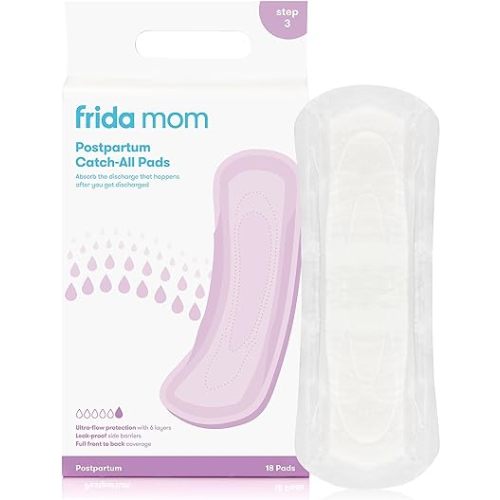
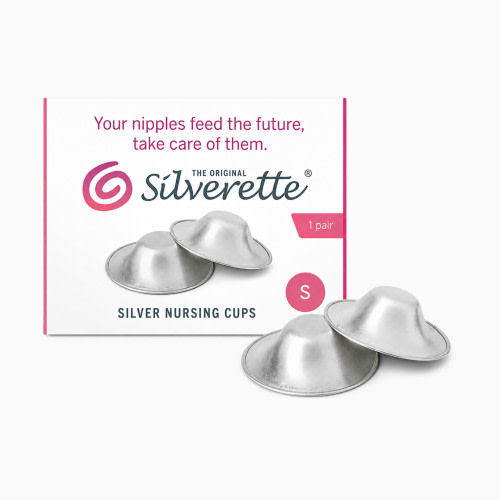
Keepsake/Fun Things:)
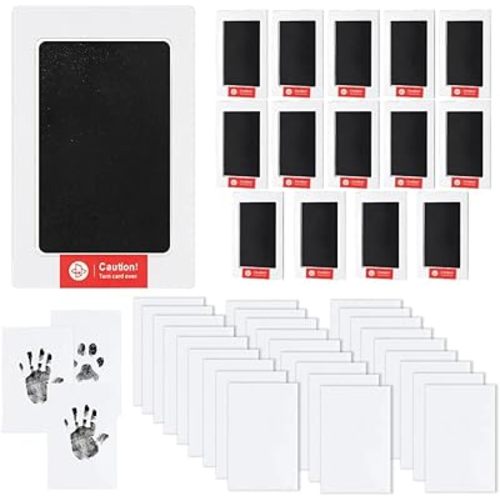

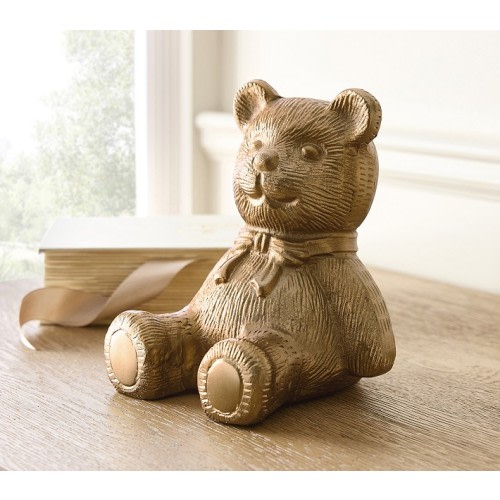
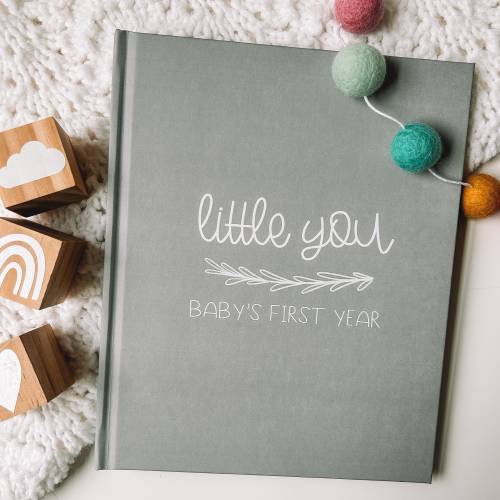
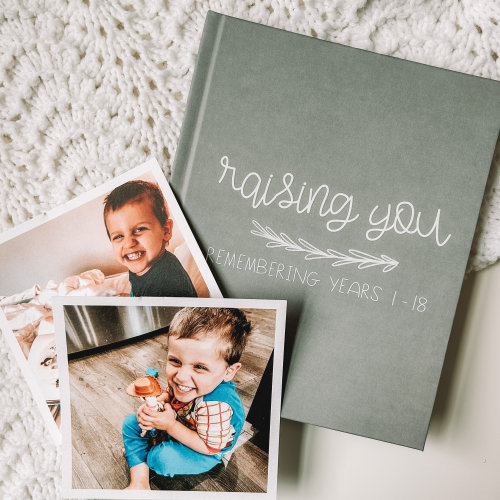
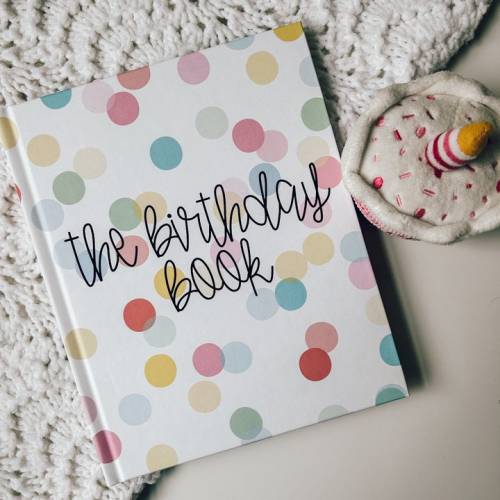
Nursery & decor
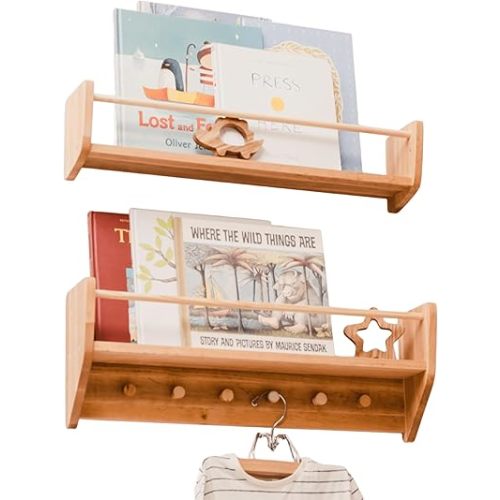
Playing
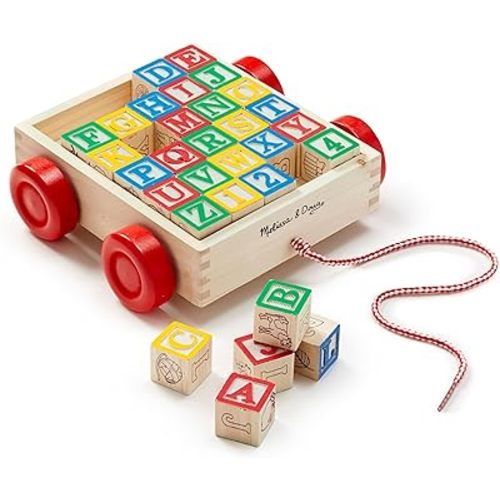
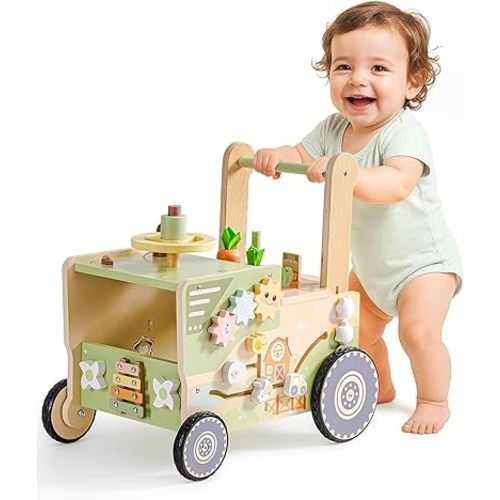
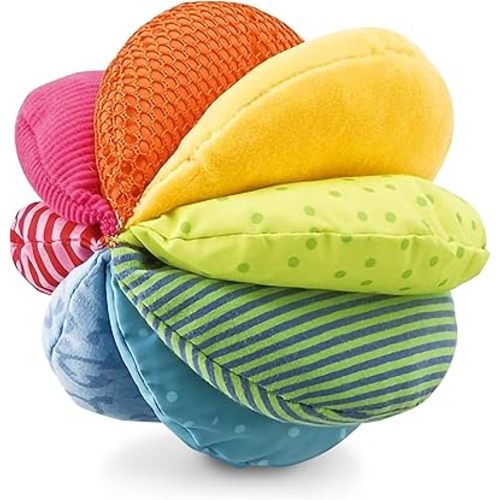
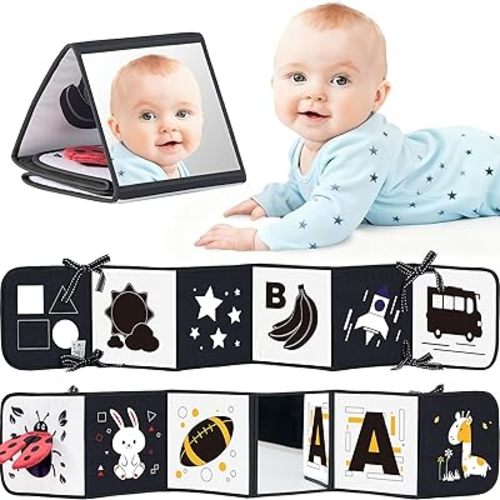
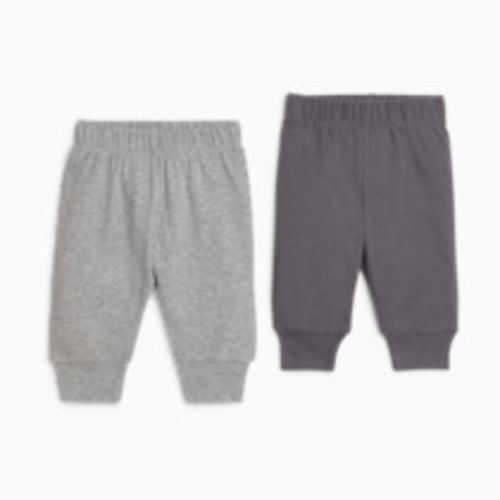
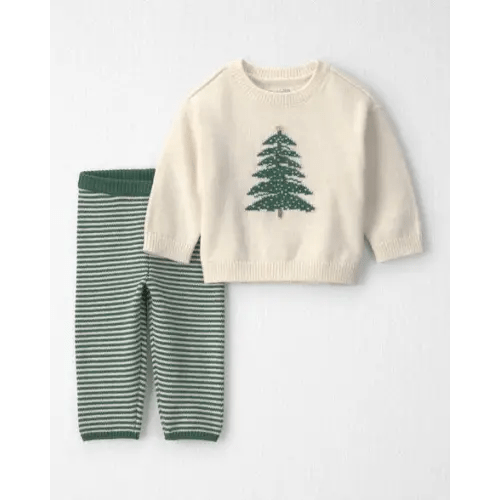
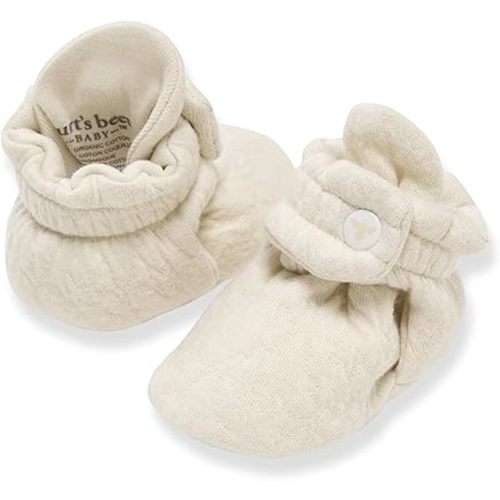
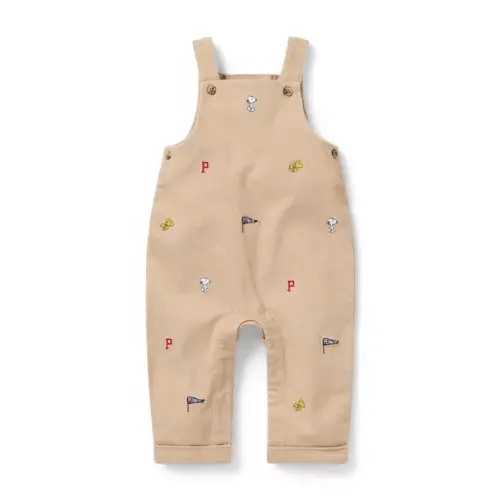
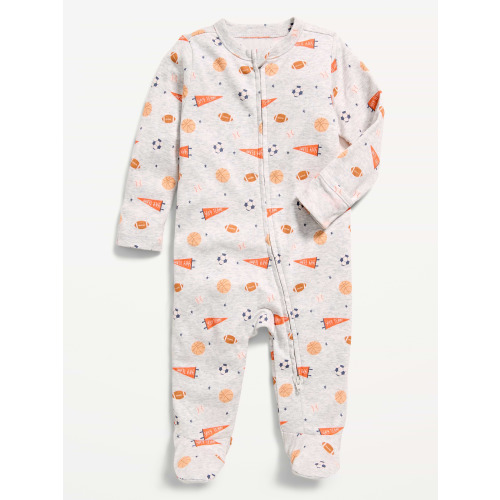
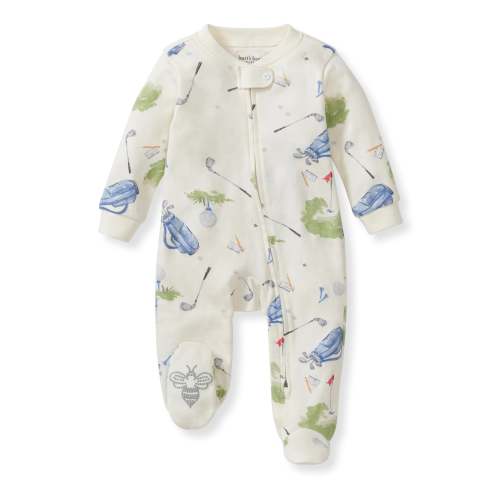
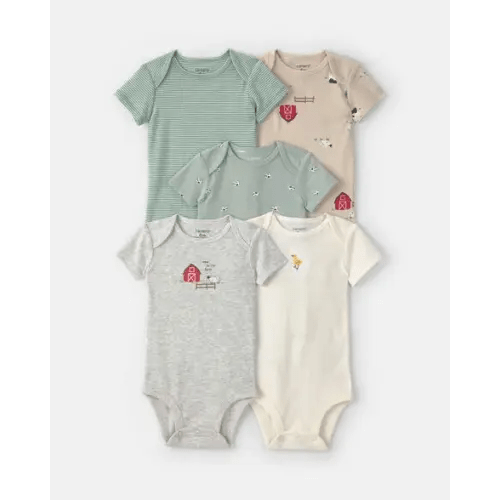
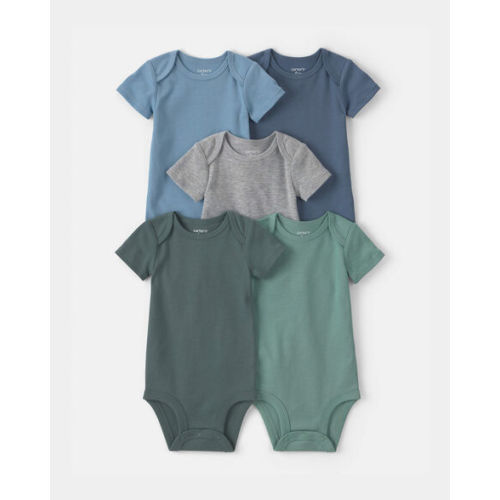
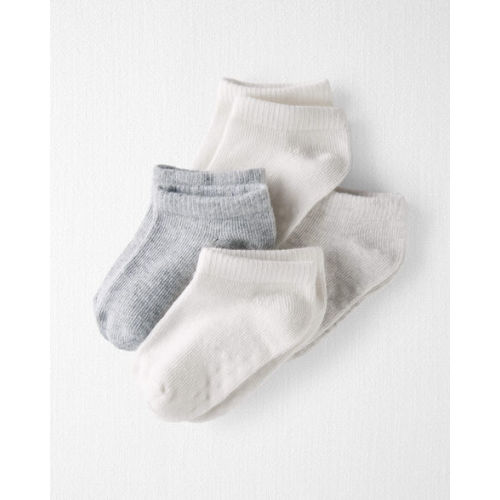
Clothing
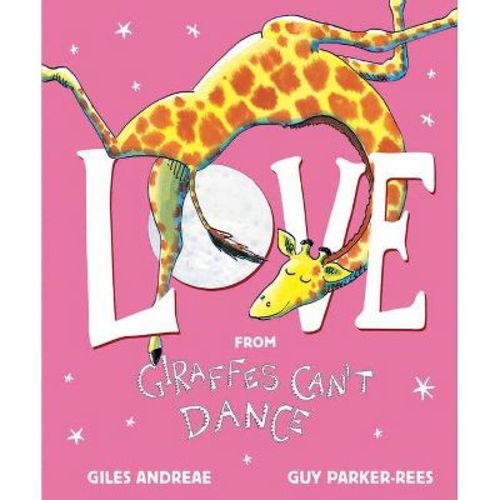
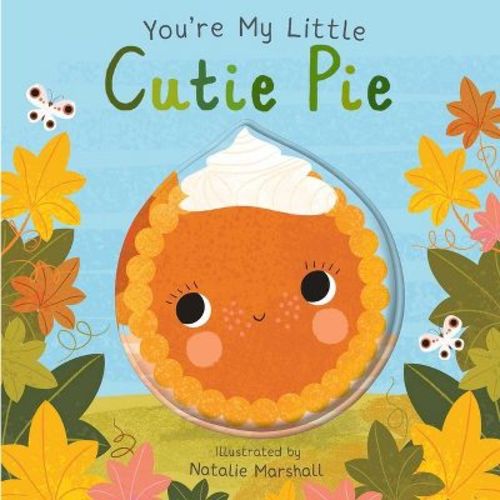
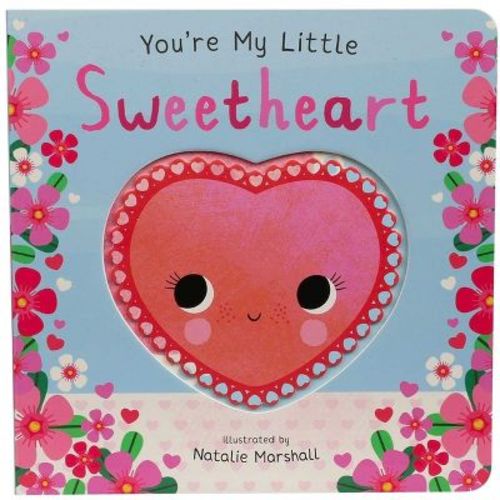
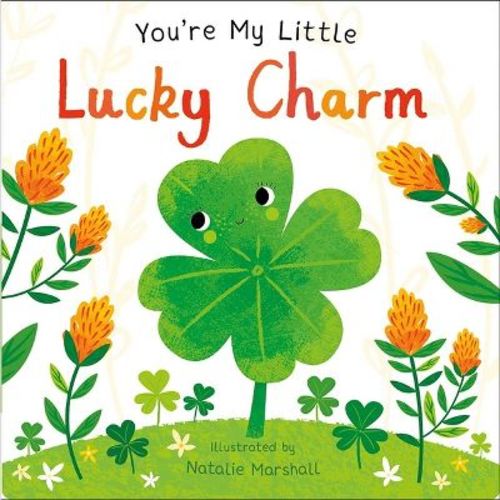
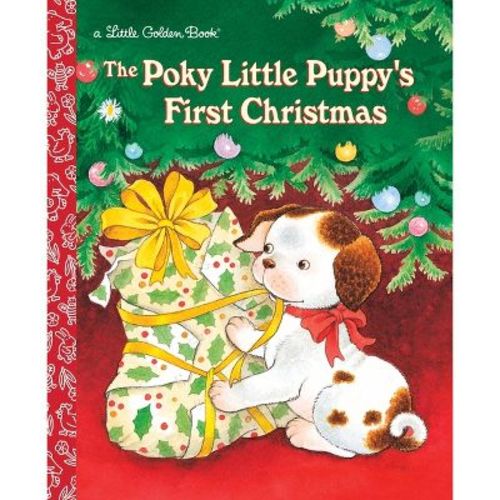
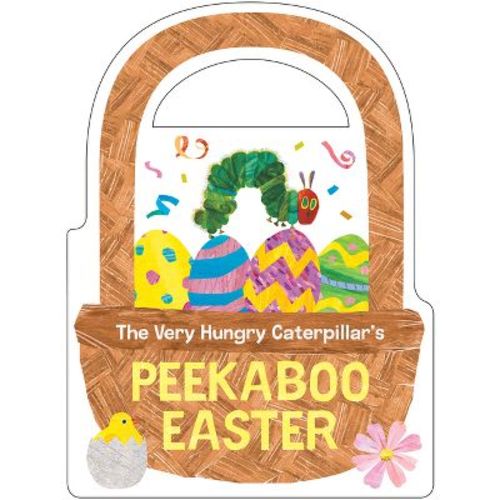
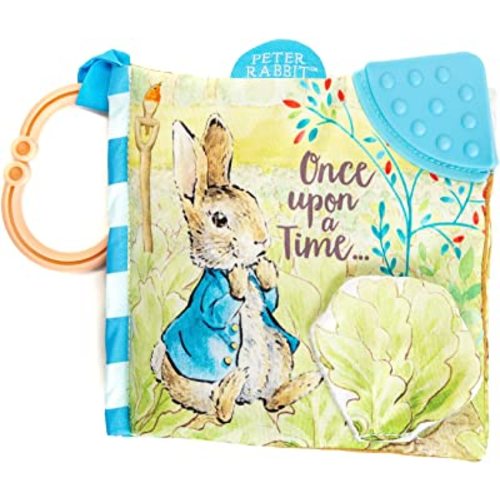
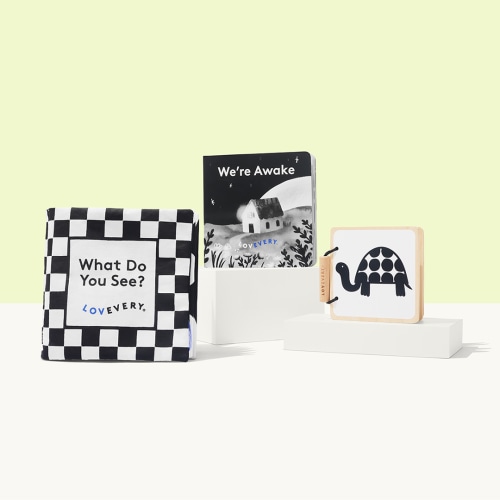
Early Literacy & Books
Help & favors
Cash & gift cards
Purchased